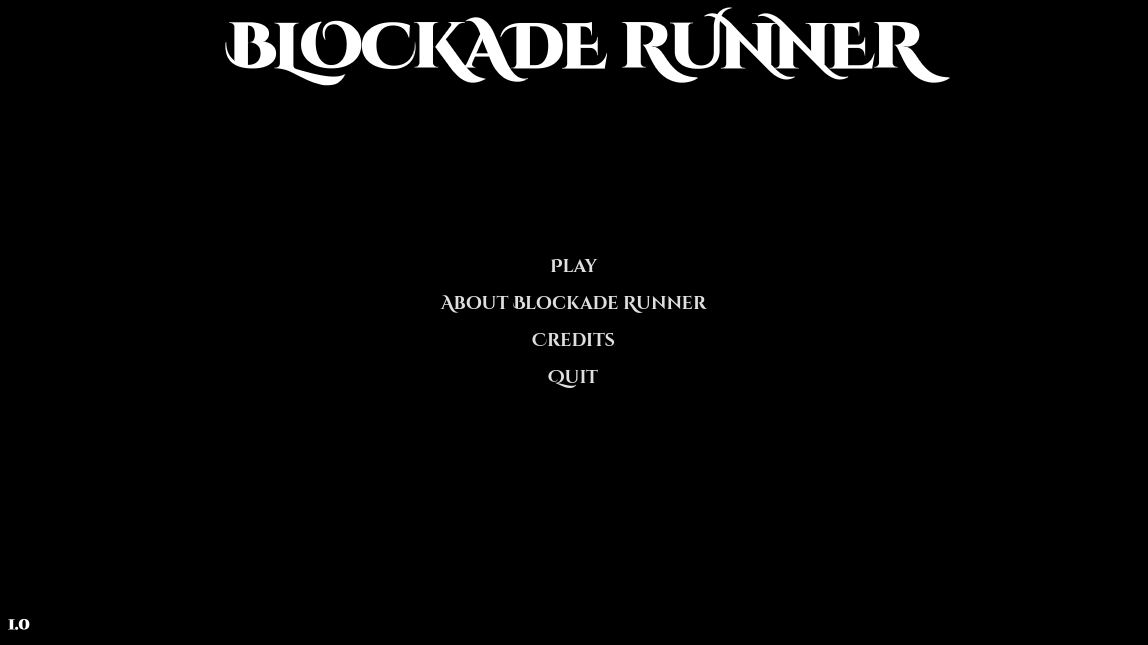
BLOCKADE RUNNER
A downloadable game for Windows, macOS, and Linux
A Free Arcade-Style Tactical Mini-Game. Scroll Down to Download Now!
About
The galaxy is at war. The enemy has mobilized their fleet to blockade your planet and keep you isolated from your allies across the galaxy.
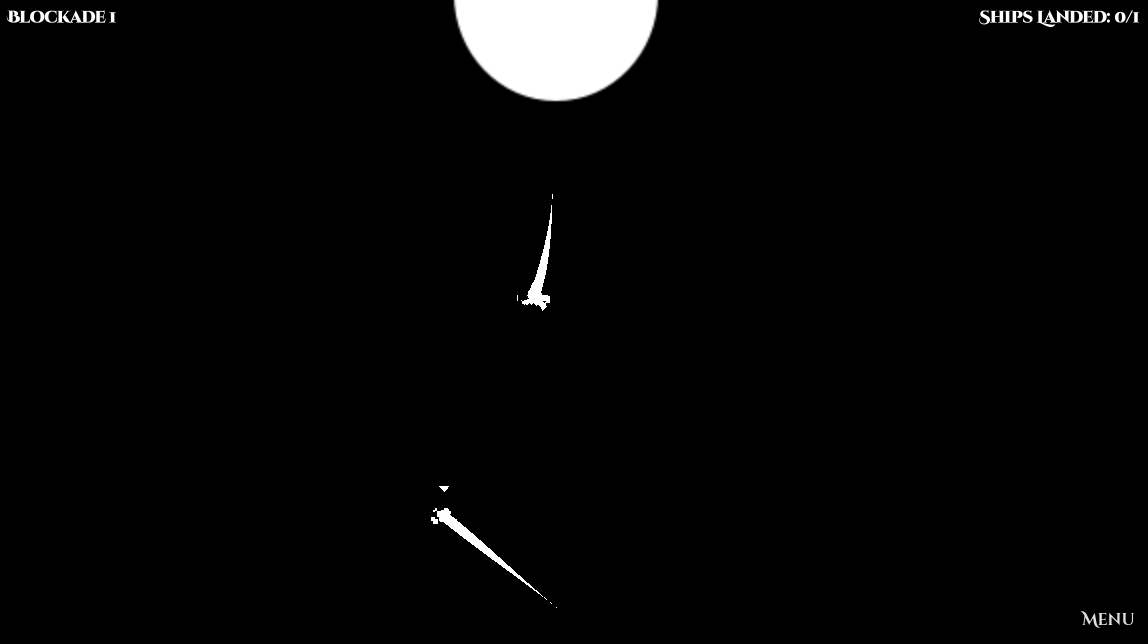
You are a blockade runner. You pilot a ship and lead a small fleet. You use a combination of careful planning, tactical maneuvering, and indefatigable intrepidity to get past the enemy guard ships. Penetrating the blockade will require ingenuity, bravery, diligence, and gallantry. Every time you pass through the blockade you help your planet win the war, but if your ship is intercepted, it will mean certain death. Will you take up the challenge?
Play Time
About 30 minutes
Controls
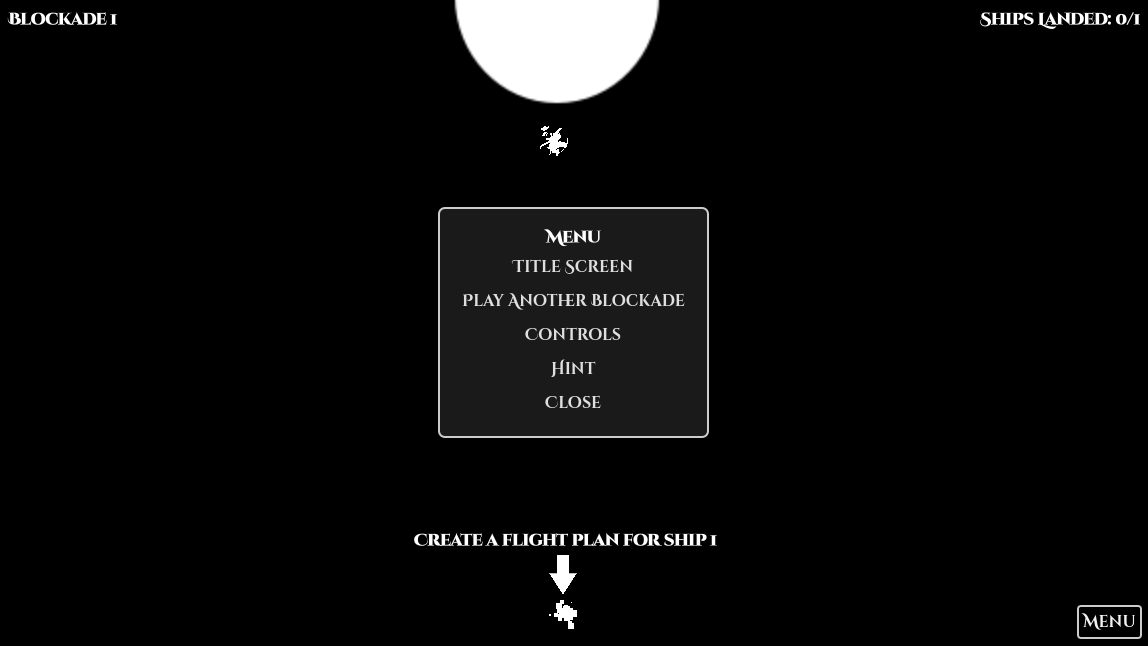
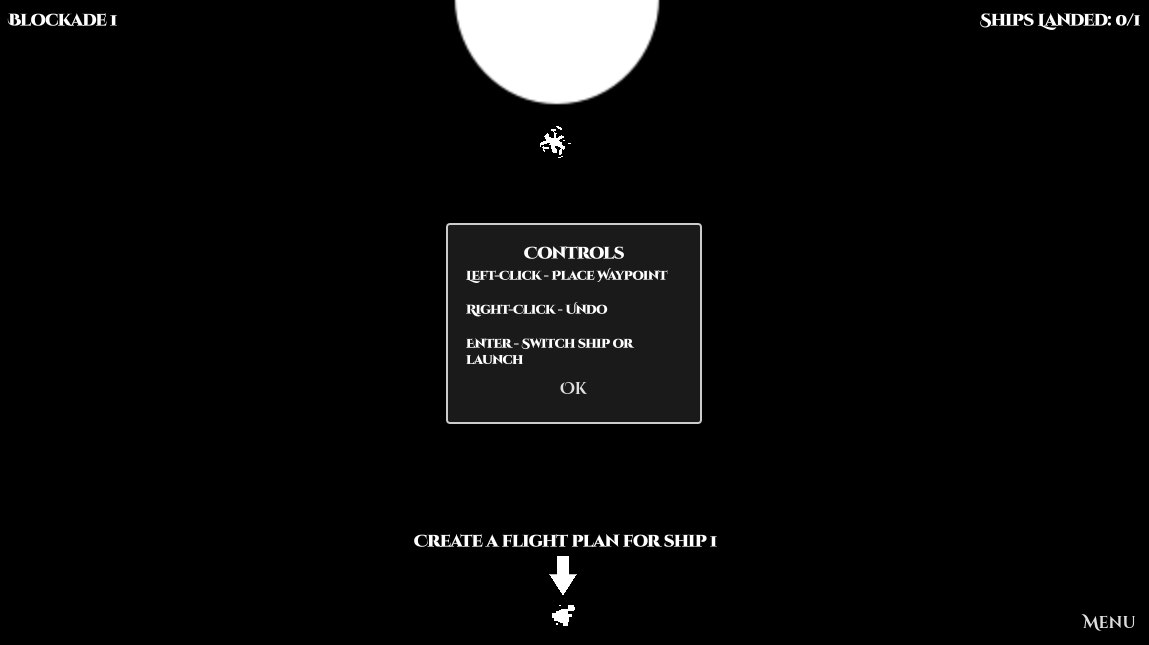
Left-click to add a point to your ship's path. Right-click to remove a point from your ship's path. Press 'Enter' to complete the path. When the path is complete, you can start creating a path for another ship, or if all ships have complete paths, then your ships will launch. Click 'Menu' any time to see more information and hints, or to navigate to the title screen.
Regards
Thanks for visiting the Blockade Runner page. Blockade Runner is our studio's first project, and we hope that you enjoy playing it as much as we enjoyed creating it. Please visit our Facebook page at facebook.com/tyasang and send a message or leave a comment there. We would love to hear from you and chat about your experience with Blockade Runner and your ideas for future projects.
Creators
Creator: Bradford Tuckfield
Lead Developer: Luka Kolic
Music: Samuel Hadikusuma
Download
Install instructions
For Windows: download the exe file, and double-click on it to start playing.
For MacOS: Download the dmg file. Open it after downloading. Double-click on the "Blockade Runner" executable in the dmg to run it. If you wish, drag-and-drop to the "Applications" folder to install it as an application on your computer.
For Linux: download the x86_64 file. Make sure you have permission to run the file as an executable. You can toggle this permission by right clicking on the file, then selecting Properties -> Permissions - > Allow executing file as a program. You can also accomplish this in the terminal by running chmod +x filename, replacing filename with the name of the game file. After you have permission, you can run the game from the terminal by running ./filename, replacing filename with the name of the game file.
Comments
Log in with itch.io to leave a comment.
I downloaded and played this game on desktop, and it runs smoothly across platforms. The gameplay is simple, clear, and easy to pick up, which makes it enjoyable for short play sessions.
Thanks for your comment. We're glad you enjoyed the game.
I downloaded the game and really enjoyed playing it. It’s surprisingly fun for a free game and runs smoothly. Definitely recommend giving it a try.
Thanks a lot for playing and commenting.